Tutoring management software that keeps every learner's hours straight
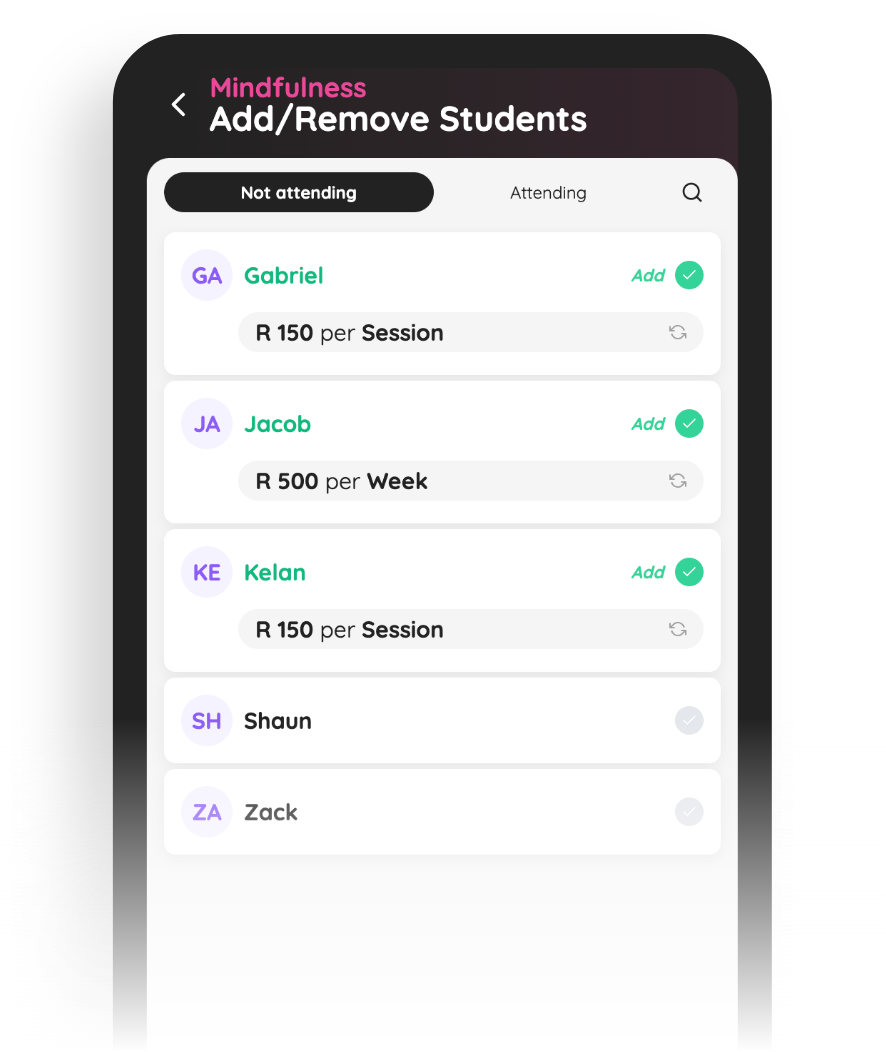
Who it's for
From a solo tutor with a car and a diary to a centre full of subject specialists, SimpliClass fits the way your teaching week already works.
Solo tutors
You, twenty learners and four different schools — every student's hours, rates and notes in one place instead of a diary margin.
Subject-specialist practices
A small team of maths or science tutors, each with their own learners and hourly rates, running off one shared account.
Exam-prep centres
Short, intense blocks before matric and mid-year exams — scheduled, billed and wrapped up within the season.
Small group sessions
Three Grade 9s doing English comprehension on a Tuesday afternoon — one subject group, one fee, one register.
After-school learning centres
Learners dropping in across the afternoon for homework support and reading — attendance and balances without the clipboard.
Built for the rhythm of the school term
Organise
Subject groups and one-to-one learners, each with their own times, hourly rates and notes. The whole term is visible at a glance, from the first week of classes to the last paper.
Communicate
Send a moved lesson, a new venue or exam dates to one learner or a whole subject group in seconds. Parents and adult students get the same message — no chasing replies across three chat threads.
Get paid
Hourly rates and package blocks go out as recurring fees on your schedule, and every statement shows exactly what each learner owes. Exam season's extra sessions land on the same account.
Features
From the first lesson of term to the last paper of exam season
Every learner, every subject, one record
Set a learner up once — Liam for Grade 10 maths on Mondays, his sister for one-to-one reading on Thursdays — and their hours, rates and notes stay together.
A student can sit in a subject group and take one-to-one sessions at the same time, and both appear on the same account. Nothing gets invoiced twice, and nobody's hours slip through the cracks.
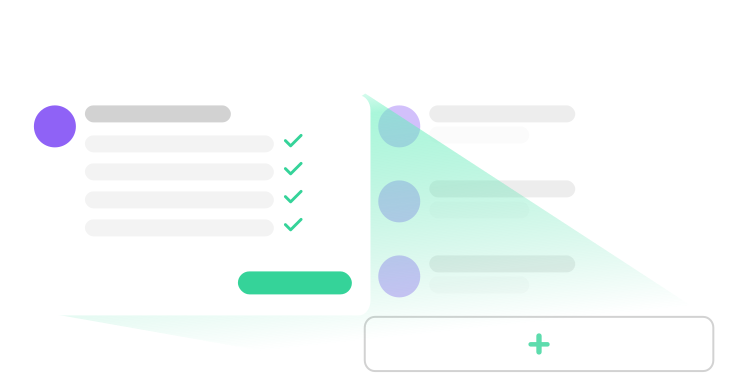
A timetable that spans schools and terms
Grade 8 maths at Northcliff High at 14:30, one-to-one physics at the library at 16:00, English comprehension online at 17:30 — the whole tutoring week lives on one calendar.
When a school closes early for sports day, move the session once and everyone sees the new time. Holiday breaks are built in, so the timetable goes quiet when the schools do.
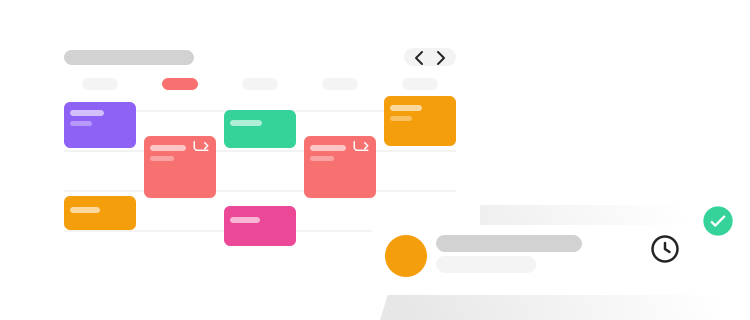
Hourly rates and package blocks without the spreadsheet
Bill one-to-one sessions at an hourly rate, sell a block of ten maths lessons, or send recurring fees to your regulars every week or month — each learner on the arrangement that suits them.
Fee templates mean the things you invoice every term take one tap, and scheduled transactions let you queue exam-prep fees in advance. The hours stop living in a notebook.
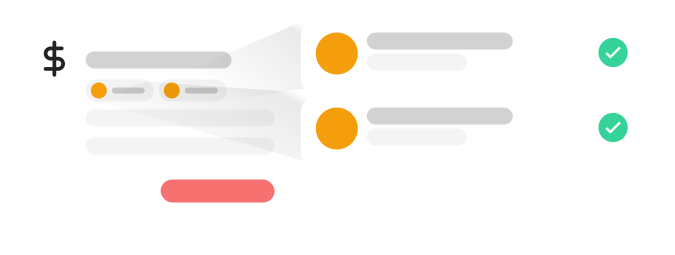
Exam season, handled in one place
Spin up a Grade 12 maths exam-prep group for the six Saturdays before finals, add the learners who booked, and send the block fee to just those accounts.
When the last paper is written, send each parent a statement straight from the learner's account — every session, every hour, every outstanding amount on one page. On the Pro plan, parents can pay straight from it.

Happy customers
What tutors say
“SimpliClass has been a game-changer for me as a small business owner running a tutoring service. I love how easy it is to manage my students, classes, and fees all in one place. The platform is user-friendly and intuitive, making it easy for me to automate fees and track payments. It's the perfect solution for anyone looking for a simple and efficient way to manage their classes and students.”
Daniel L.
Maths Tutor
Questions tutors ask
Can I bill some learners by the hour and sell package blocks to others?
Yes. Every learner or subject group can have its own fee, so one-to-one physics at an hourly rate and a ten-lesson maths block can run side by side. Fee templates keep your usual rates ready to apply, and everything a learner owes lands on one account.
How do recurring fees work for learners I see every week?
Set the fee once and it is sent automatically on the schedule you choose — weekly, monthly or by the school term. When the term ends you can pause the recurring fees and start them again in the new one; your learners, subject groups and payment history are right there when you get back.
What happens when a learner misses or moves a session?
Move the session on the calendar and send a notice to that learner or their parent in seconds — no phone tag. The attendance register keeps a record of who was actually there, and because you control when fees go out, you can simply send the fee when the catch-up session happens.
Can I add extra exam-prep sessions just for exam season?
Yes. Create a subject group for the exam block — say, Grade 12 physical science on Saturday mornings — schedule the sessions, add the learners who booked and apply the block fee to just their accounts. When exam season ends, the rest of your timetable carries on untouched.
Can parents and adult learners see what they owe?
Yes. Send a statement straight from the learner's account and they see every session, package block and outstanding amount on one page. On the Pro plan they can pay online directly from the statement, and payment imports match bank payments to the right account for you.
SimpliClass for other group businesses
