Personal trainer client management software that tracks every session and no-show
Who it's for
From solo trainers on the gym floor to bootcamp crews in the park, SimpliClass fits the way your training week already runs.
Independent trainers
One trainer, a gym floor or a corner of the park — your clients, their packs and the week's sessions kept in one place.
Small-group and bootcamp operators
Dawn bootcamps on the field and Saturday circuits, with rolling groups and drop-ins to keep count of.
Online coaches
Clients you rarely see in person, on monthly retainers — their session slots on the same calendar as your floor hours.
Studio-based trainers
Renting space in a gym or studio, juggling one-to-one hours around peak times and shared equipment.
Trainer teams
Two or three trainers sharing clients and a timetable — everyone works from the same register and the same pack balances.
Built for the rolling rhythm of a training week
Organise
One-to-one clients, small groups and bootcamps — each with its own people, times and pack balances. Set the rolling week up once and every session runs from the same page.
Communicate
Move Tuesday's 06:00, take the bootcamp indoors when it rains, or remind a client their pack is nearly done — the message reaches exactly the right people.
Get paid
Monthly retainers are sent automatically on your rolling date, and top-up packs go out when a client runs low. You see who has paid, and who has two sessions left, before they book again.
Features
From the first 06:00 session to the last bootcamp of the month
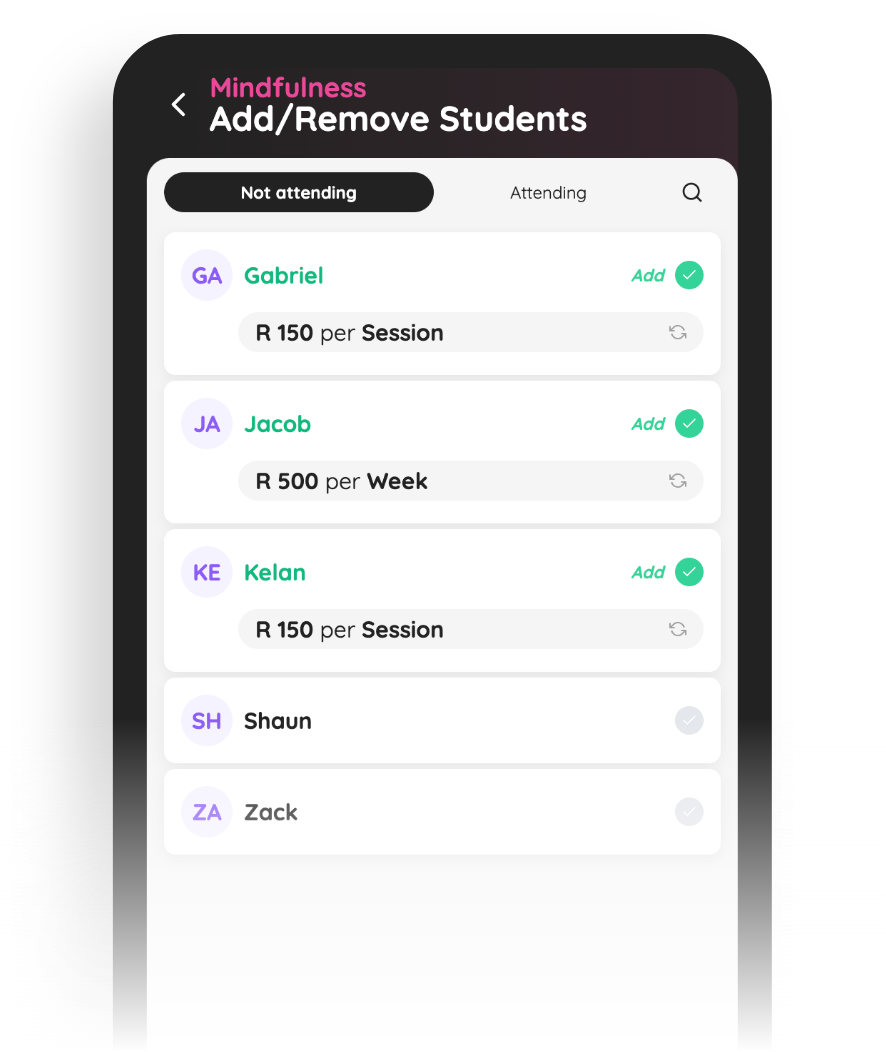
Every client, their pack and their place in the group
Set a client up once — Sarah for one-to-one on Mondays and Fridays at 06:00, plus the Thursday evening small group — and her sessions, packs and notes stay together.
A client can train one-to-one and hold a bootcamp spot at the same time, and both live on the same account. When someone moves from a pack to a monthly retainer, their whole history moves with them.
The rolling week on one timetable
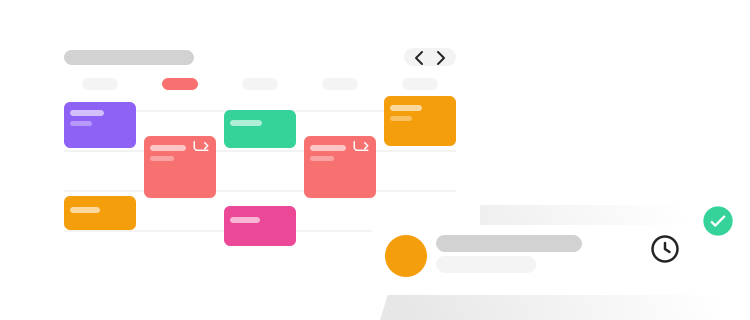
One-to-one at 06:00 and 07:00, the lunchtime small group at 12:15, Saturday's bootcamp on the field at 08:00 — the whole training week, across every client and group, on one calendar.
When the park is waterlogged or a client needs to move their hour, change it once and everyone sees the new time or venue. The week stays rolling, not rewritten.
Session packs and retainers, counted as you go
Sell a pack of ten one-to-one sessions or a block of twenty bootcamp classes, and mark each session as it happens — the register shows you where every client's pack stands.
Monthly retainers are sent automatically on your rolling date, and when a pack drops to its last two sessions you can see it before the client does. Top-up packs go out from a fee template in one tap.
No-shows on the record, not in your head
Mark the register as clients arrive — or don't. The 06:00 who slept in and the bootcamper who hasn't shown since the first of the month are all on record, per session and per client.
Whether a late cancellation comes off the pack is your call — the count stays straight either way. On the Pro plan, ask the SimpliClass assistant who hasn't trained this week and get an answer in seconds.

Questions personal trainers ask
How do I keep track of sessions left on a pack?
Mark the register for each session and the record is kept against the client, so you always know where every pack stands. When someone is down to their last session or two, send a statement from their account and add the next pack when they are ready to top up.
What happens when a client no-shows or cancels late?
You mark it in the register like any other session, so no-shows and late cancellations stay on record per client. Whether that session comes off the pack is your policy to set — SimpliClass keeps the count straight either way, and you can see a client's attendance pattern before you renew their pack.
Can I run monthly retainers and session packs side by side?
Yes. Retainers go out as recurring fees, sent automatically on your rolling monthly date, while packs are added as once-off amounts whenever a client tops up. Fee templates mean your standard packs — ten one-to-one sessions, a twenty-class bootcamp block — take one tap to send.
Can a client do one-to-one sessions and bootcamp at the same time?
Yes. Each client can belong to as many groups as they train in — one-to-one, a Thursday small group and the Saturday bootcamp — each with its own timetable and its own pack or retainer. Everything sits on the one account, so their statement tells the whole story.
Can my clients pay online?
On the Pro plan, yes. Clients can pay straight from the statement you send them, and payment imports match bank payments to the right account for you — so a pack top-up that lands at 21:00 is already reconciled when you open the app at 05:30.
SimpliClass for every kind of group
